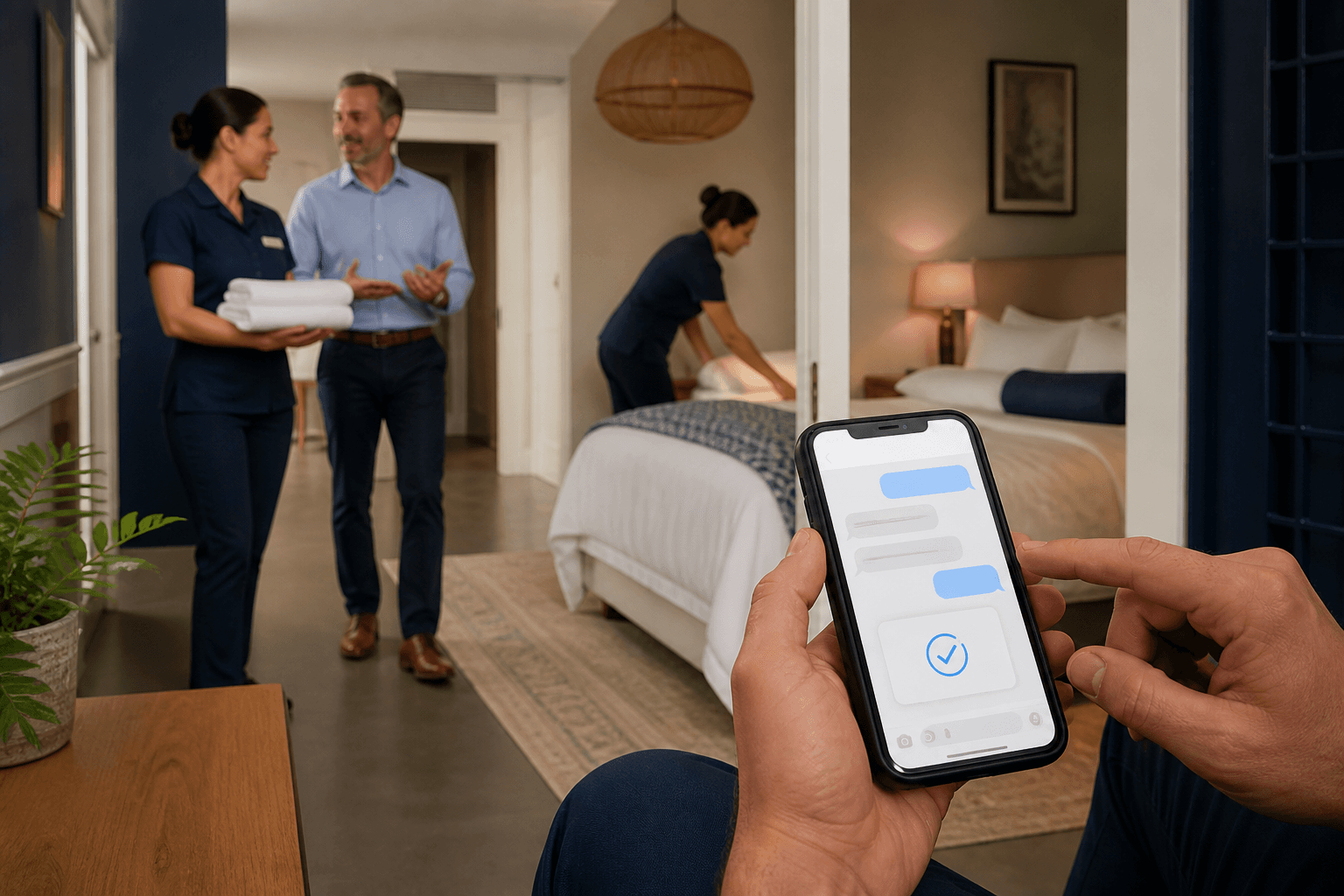
AI phone, website chat, and messaging
Start where customers already contact you. Saleringo carries the approved answer, customer details, and next action into the team's work.
Universities demo
Hear the conversation. Watch the customer record take shape.

Can I request a campus tour that includes the engineering department?
- Phone
- —
- Contact permission
- Not yet confirmed
- Customer request
- Waiting for the conversation
- Tour interest
- —
Created after the request is captured
To Contact & permission required
The update is prepared after the conversation.
Work rules and exception handling
An after-hours appointment call
From a question to accountable work
Can I arrange a service visit on Friday morning?
I can take your preferred time and service details for the scheduling team. The team will confirm availability.
Service hours / intake questions / transfer rules
Request received
An after-hours appointment call
Friday morning; service visit; callback preference; call summary
Source document
Service hours / intake questions / transfer rules
Approved guidanceThe greeting, supported language, number, transfer destination, and after-hours fallback are tested before launch.
Customer work record
- Preferred time
- Friday morning
- Service
- Service visit
- Follow-up
- Callback preference
Friday morning; service visit; callback preference; call summary
Next action
- Captured details
An after-hours appointment call
- Responsible team
Scheduling team
- Next action
Ask scheduling to confirm a visit
Not a completed booking or approval
The greeting, supported language, number, transfer destination, and after-hours fallback are tested before launch.
Illustrated product workflow. The example data does not belong to a customer.
What changes for your team
Different channels. A consistent way to answer and follow through.
Phone inquiries become team work
Capture intent and the required details, then transfer with context or prepare a callback.
Web interest has a next step
Answer from reviewed pages and help visitors prepare a service or sales request.
Messages keep their history
Continue asynchronous conversations under the approved provider and contact permissions.
Set up around your operation
- Prepare
Pick the first channel
Choose the channel with a clear recurring request and a team ready to follow up.
- Configure
Confirm the connection
Review country, language, phone or provider support, routing, permissions, and usage costs.
- Validate
Test the handoff
Verify the transcript, collected details, owner, and fallback when the normal path is unavailable.
Before you go live
Country, language, number, and messaging-provider availability are confirmed in the proposal. No universal channel or delivery guarantee is implied.
Continue exploring



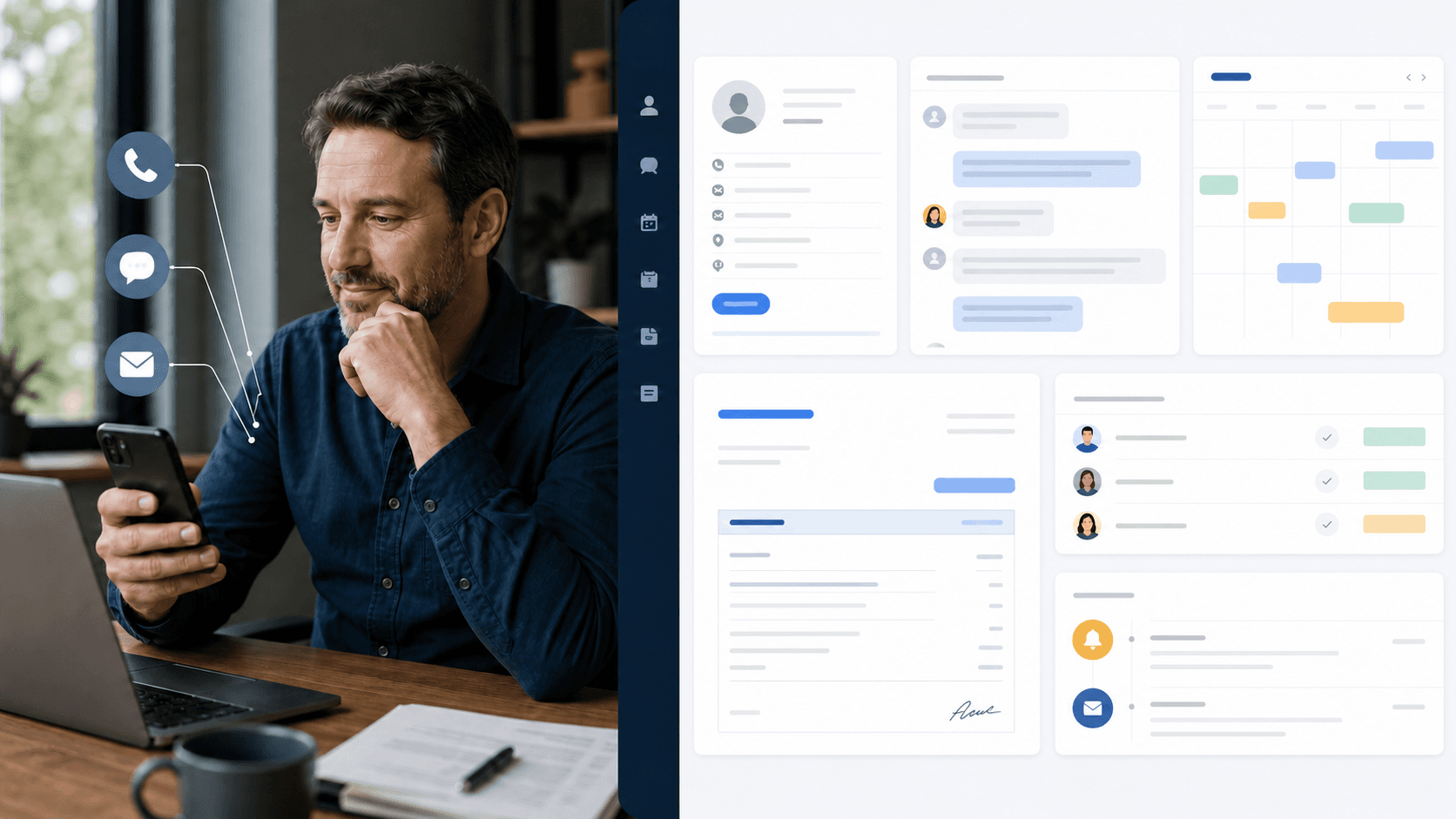
Put your own customer request through this workflow.
Review the channels, approved information, team responsibilities, and final price in a written proposal.
Requesting a proposal does not start payment or activation.