

Skip to content

Website AI consultation

Help visitors understand your service and leave a useful inquiry while their interest is still there.

View pricing

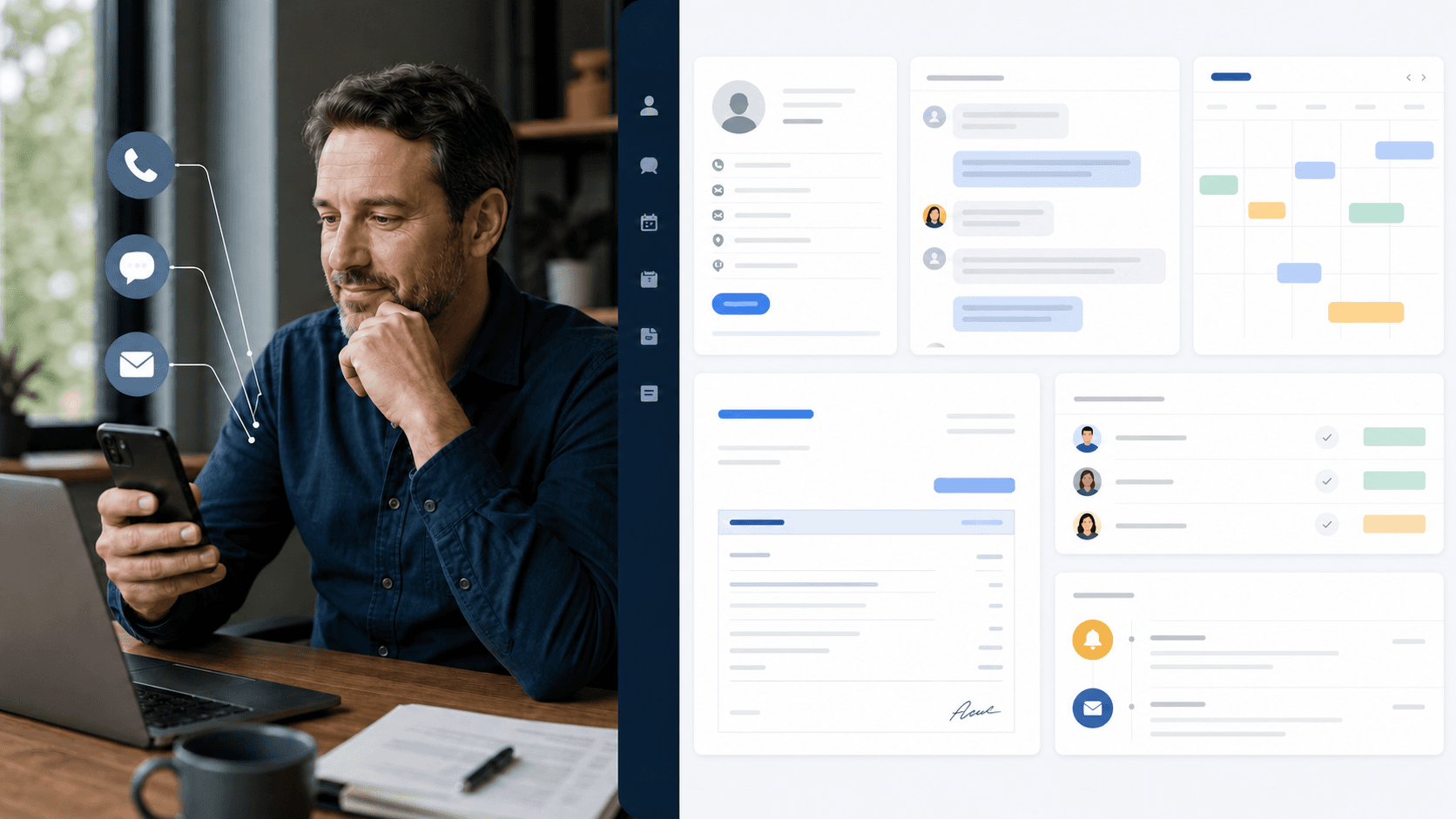
A visitor comparing information on a laptop from home
Illustrative business scene

Try it now

Pick your industry. Hear the call.

These are scripted demo calls with AI-generated voices — the kind of questions your customers ask. Watch the customer record fill in as the call goes.

Fictional data · AI-generated voices

100 industries. Your conversation.
Hotels & stays
Sample Harbor HotelCustomer conversation → customer record → approved update
New inquiry
https://business.example/contact
Website chatbotDemo
A real question from your industry.

Could I request a twin room for two nights next Friday?

Saleringo CRM
Waiting for a namePending customer record
Phone
—
Contact permission
Not yet confirmed
Customer request
Waiting for the conversation
Room preference
—
Assigned work

Created after the request is captured

Customer updateDraft

To Contact & permission required

The update is prepared after the conversation.

Preparing audio. Captions are available now.

Example work record

From a question to accountable work

A visitor becomes an actionable inquiry

Response path
Website chat

Customer request

Can your service cover three offices, and what do you need for a quote?

Saleringo response

The approved service guide includes multi-site requests. I can collect locations, scope, and timing so the team can prepare a quote.

Approved example sourcePublished service guide / quote intake requirements

Operating ruleCollect only necessary contact details with the agreed notice. Commercial commitments stay with the sales team. Not a completed booking or approval.

Customer work recordPrepared for team review
Locations
Three offices
Request
Service scope and quote
Timing
To be confirmed
Captured details
Three offices; service scope requested; timeline pending
Next action
Prepare a qualified quote request
Responsible team
Sales team

Illustrative scenario. No live request, booking, or message is sent.

Try this scenario with your own business

What changes for your team

The visitor's question becomes a prepared request your team can act on.

Answers in the buying moment

Use approved service pages and FAQs to address the visitor's immediate question.

Useful inquiry details

Gather the request, timing, and necessary contact information for a clear follow-up.

A person when needed

Route unanswered questions and commercial exceptions with the conversation attached.

Set up around your operation

  1. Prepare

    Choose the service pages

    Identify where visitors need help and which reviewed content may support the answers.

  2. Configure

    Define intake and privacy

    Agree the minimum fields, contact notice, staff routing, and supported languages.

  3. Validate

    Verify the website experience

    Test mobile, keyboard access, missing answers, and the resulting staff request.

Put your own customer request through this workflow.

Hear how it answers, check what gets recorded for each caller, and start with free call minutes.

Starting or asking does not charge a card.