

Skip to content

AI messaging consultation

Continue the same customer conversation over time, with the earlier request, contact permission, and next action together.

View pricing

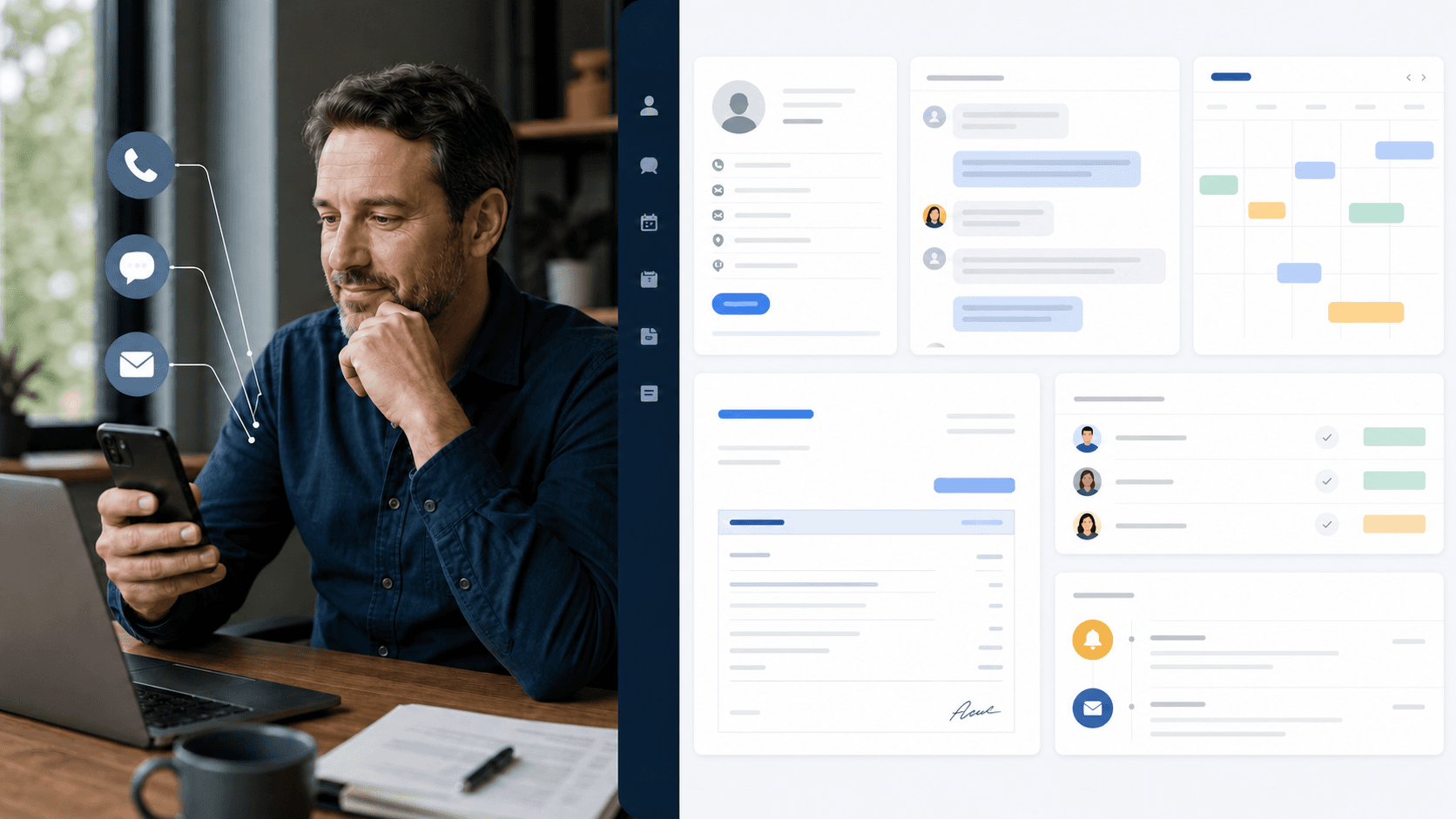
A person continuing a conversation on a smartphone
Illustrative business scene

Try it now

Pick your industry. Hear the call.

These are scripted demo calls with AI-generated voices — the kind of questions your customers ask. Watch the customer record fill in as the call goes.

Fictional data · AI-generated voices

100 industries. Your conversation.
Hotels & stays
Sample Harbor HotelCustomer conversation → customer record → approved update
New inquiry
Business messagesPrivate conversation · demo
MessengerDemo
A real question from your industry.

Could I request a twin room for two nights next Friday?

Saleringo CRM
Waiting for a namePending customer record
Phone
—
Contact permission
Not yet confirmed
Customer request
Waiting for the conversation
Room preference
—
Assigned work

Created after the request is captured

Customer updateDraft

To Contact & permission required

The update is prepared after the conversation.

Preparing audio. Captions are available now.

Example work record

From a question to accountable work

A conversation that continues the next day

Response path
Approved messaging channel

Customer request

About yesterday's appointment request: can I change it to Friday?

Saleringo response

After verifying the request, I can add Friday as your preferred date and ask the team to confirm the change.

Approved example sourceAppointment change guide / matched conversation / contact permission

Operating ruleSending and delivery depend on the approved provider connection, recipient permission, and message rules. Not a completed booking or approval.

Customer work recordPrepared for team review
Request
Existing appointment
Preferred date
Friday
Change
Not yet confirmed
Captured details
Existing request; Friday preferred; change not yet confirmed
Next action
Request a date change without creating a duplicate booking
Responsible team
Booking team

Illustrative scenario. No live request, booking, or message is sent.

Try this scenario with your own business

What changes for your team

A returning customer does not have to restart the request.

Continuity across messages

Connect matched conversations to the customer's current request and staff owner.

Follow-up with permission

Prepare confirmations and reminders within the approved recipient and provider rules.

Exceptions reach the team

Preserve the conversation when a policy question or delivery issue needs staff review.

Set up around your operation

  1. Prepare

    Confirm provider support

    Review the specific messaging provider and account approval for your target market.

  2. Configure

    Agree contact rules

    Check consent, recipient verification, approved templates, and allowed follow-up timing.

  3. Validate

    Test continuation and failure

    Verify a returning conversation, an unapproved recipient, and a delivery failure handoff.

Put your own customer request through this workflow.

Hear how it answers, check what gets recorded for each caller, and start with free call minutes.

Starting or asking does not charge a card.