
AI consultation for universities
Connect admissions and campus questions to the right program information, service office, and follow-up.
Solar installers demo
Hear the conversation. Watch the customer record take shape.

Can I arrange an initial site survey for rooftop solar panels?
- Phone
- —
- Contact permission
- Not yet confirmed
- Customer request
- Waiting for the conversation
- Roof description
- —
Created after the request is captured
To Contact & permission required
The update is prepared after the conversation.
Work rules and exception handling
An admissions inquiry with a clear next step
From a question to accountable work
Where can I find the requirements for the international program?
I can point you to the approved program requirements and record questions for the admissions office.
Approved program guide / current admissions cycle
Request received
An admissions inquiry with a clear next step
International program; entry requirements; office response requested
Source document
Approved program guide / current admissions cycle
Approved guidanceUse the correct program and admission cycle. Individual eligibility and admissions decisions belong to the university.
Customer work record
- Program
- International program
- Inquiry
- Entry requirements
- Follow-up
- Admissions response
International program; entry requirements; office response requested
Next action
- Captured details
An admissions inquiry with a clear next step
- Responsible team
Admissions office
- Next action
Create a program-specific admissions follow-up
Not a completed booking or approval
Use the correct program and admission cycle. Individual eligibility and admissions decisions belong to the university.
Illustrated product workflow. The example data does not belong to a customer.
What changes for your team
Students find the right next step and staff receive a program-specific inquiry.
Current program guidance
Use approved information for the correct program, audience, and admissions cycle.
Clear office routing
Capture the program or service interest before sending the question to its responsible office.
Follow-up without losing context
Keep the inquiry and next action connected when students return through another approved channel.
Set up around your operation
- Prepare
Pick a student journey
Choose admissions guidance, campus services, or office appointments with a clear owner.
- Configure
Approve current information
Review program versions, deadlines, office responsibilities, and data requirements.
- Validate
Test individual exceptions
Verify how eligibility, credit recognition, and other individual decisions reach authorized staff.
Before you go live
Admission, eligibility, credit, and financial decisions remain with authorized university staff. Final language and integration support are scoped in the proposal.
Continue exploring


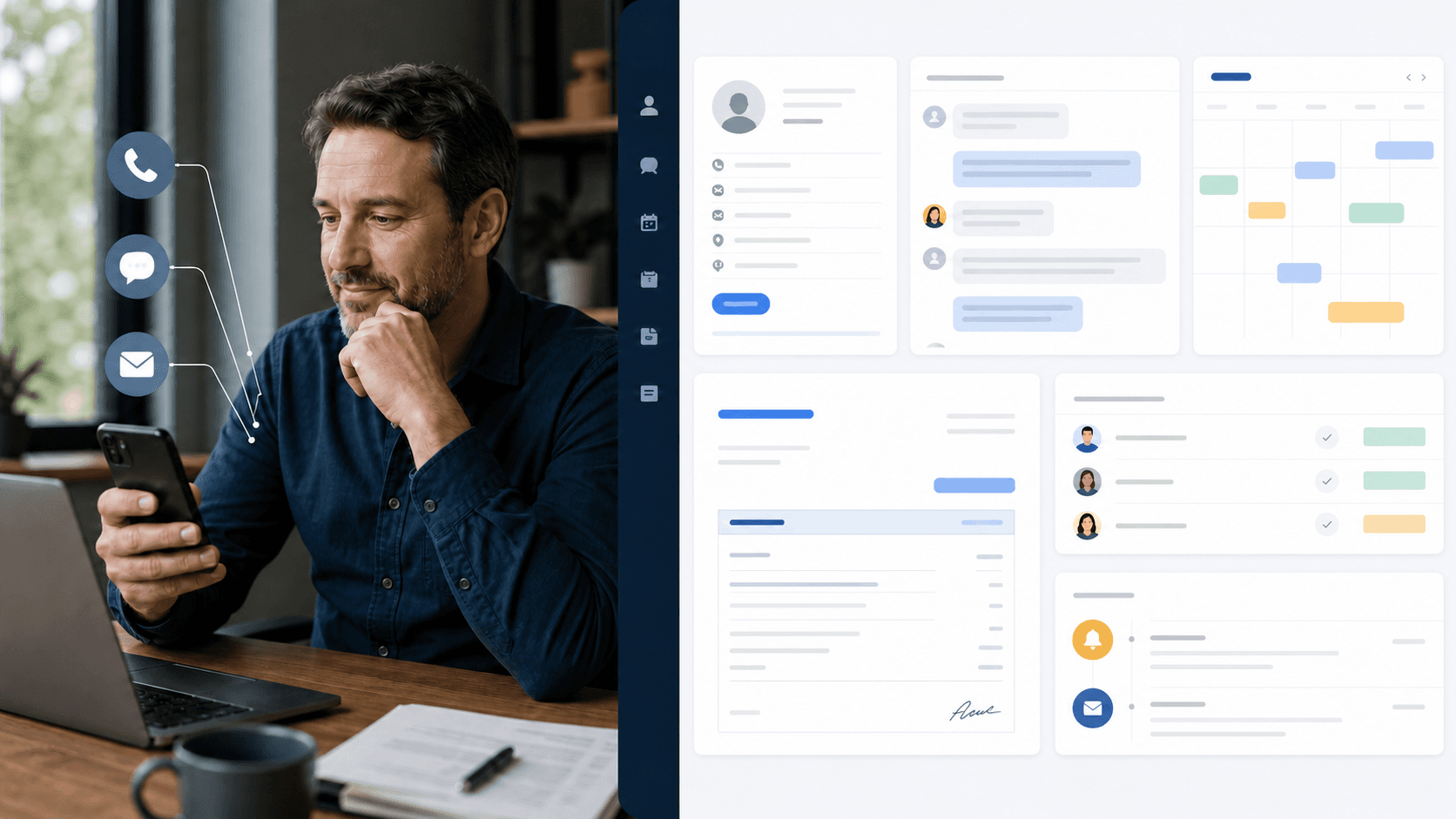
Put your own customer request through this workflow.
Review the channels, approved information, team responsibilities, and final price in a written proposal.
Requesting a proposal does not start payment or activation.