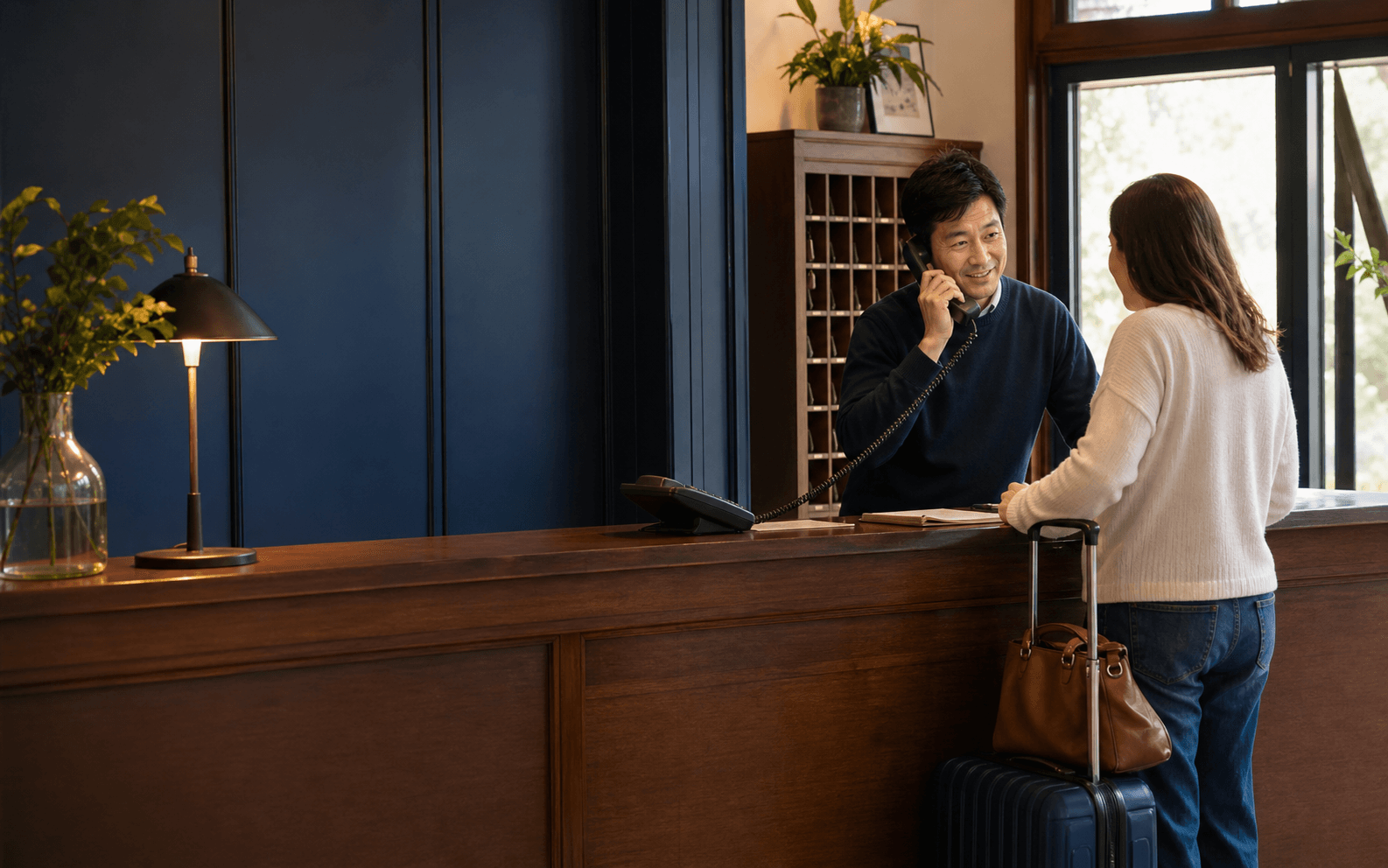
AI consultation for hotels
Handle room and arrival questions while the front desk focuses on guests. Pass on a clear reservation or service request with the details attached.
Locksmiths demo
Hear the conversation. Watch the customer record take shape.

Could I request a scheduled visit to replace an office door lock cylinder?
- Phone
- —
- Contact permission
- Not yet confirmed
- Customer request
- Waiting for the conversation
- Work category
- —
Created after the request is captured
To Contact & permission required
The update is prepared after the conversation.
Work rules and exception handling
Late arrival at a hotel
From a question to accountable work
We arrive on Friday at 11:30 pm. Can we check in then?
The arrival guide allows late check-in with front-desk confirmation. I will record your arrival time for the team.
Arrival guide / late check-in / approved
Request received
Late arrival at a hotel
Friday, 11:30 pm; late arrival; reservation reference requested
Source document
Arrival guide / late check-in / approved
Approved guidanceThe front desk confirms access arrangements; a request is not a confirmed booking.
Customer work record
- Request
- Late check-in
- Arrival
- Friday, 11:30 pm
- Reservation
- Reference requested
Friday, 11:30 pm; late arrival; reservation reference requested
Next action
- Captured details
Late arrival at a hotel
- Responsible team
Front desk
- Next action
Confirm late-arrival arrangements
Not a completed booking or approval
The front desk confirms access arrangements; a request is not a confirmed booking.
Illustrated product workflow. The example data does not belong to a customer.
What changes for your team
Guests get guidance; the property team gets a request ready to confirm.
Arrival and property guidance
Answer from approved check-in, parking, breakfast, and property information.
Organized booking requests
Capture dates, party size, room preferences, and the question the front desk must resolve.
A continuous guest history
Keep changes and follow-up attached to the guest request across approved channels.
Set up around your operation
- Prepare
Approve property guidance
Confirm arrival policies, services, languages, and the property-specific exceptions.
- Configure
Define front-desk handoff
Agree who confirms bookings, fee exceptions, access arrangements, and special requests.
- Validate
Test an after-hours request
Verify what a guest hears and what staff receive when live confirmation is unavailable.
Before you go live
Availability and booking confirmation require staff or an approved property-system connection. The example does not reserve a room or waive a fee.
Continue exploring



Put your own customer request through this workflow.
Review the channels, approved information, team responsibilities, and final price in a written proposal.
Requesting a proposal does not start payment or activation.